› Create a restaurant menu app for TasteBud with categories (Starters, Mains, Desserts, Drinks), items with prices, and a reservations page
Follow these steps in the Beetler builder to reproduce this exact app. Button and chip names are written the way they appear on screen.
- Paste the one-line prompt.Type the prompt above into the box (placeholder “I want an app to…”). Prefer to describe a rough idea instead? Click Generate It and Beetler writes the full prompt for you — here we pasted it in full.
- Choose a tone.Under “App personality”, click Business.

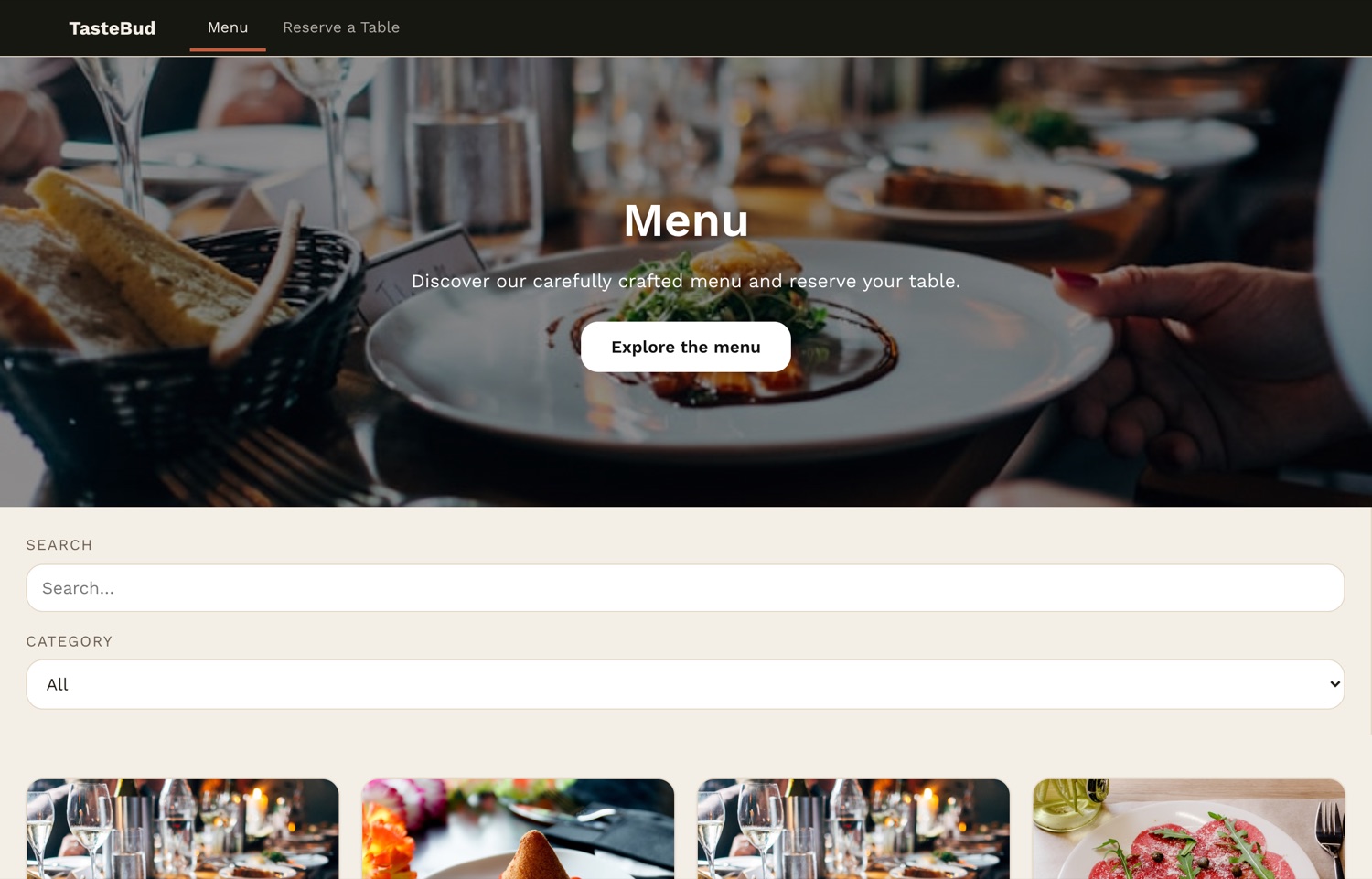
- Click Build It.Beetler detects the restaurant domain and builds four pages — Menu, Dish detail, Reserve a Table and Confirmation — generates 12 menu items across your four categories, and sources a real photo for every dish. Wait for the preview to load.

- Recolour it.Once the app is built, a chat box appears (“What would you like to change?”). Type /style warm terracotta and olive and press Change It — Beetler proposes a palette; click Apply This Palette and the whole app recolours in place, no reload — every button, accent and surface. Look at the reservation form's Submit button before and after:
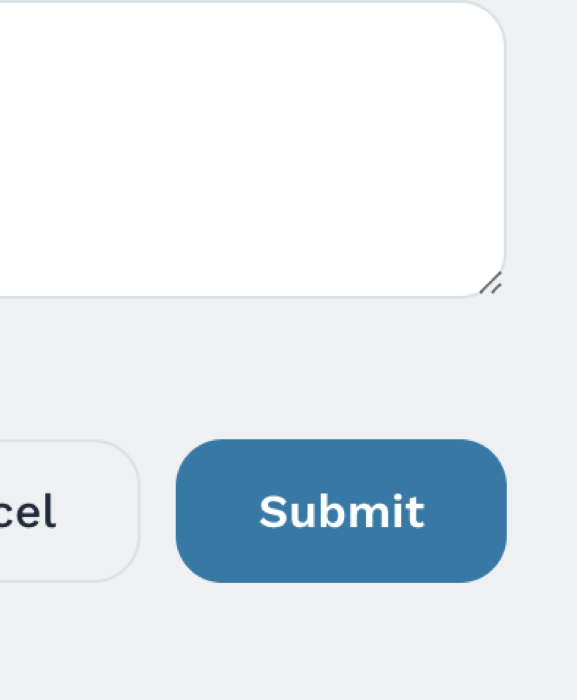
Before — Beetler's first palette 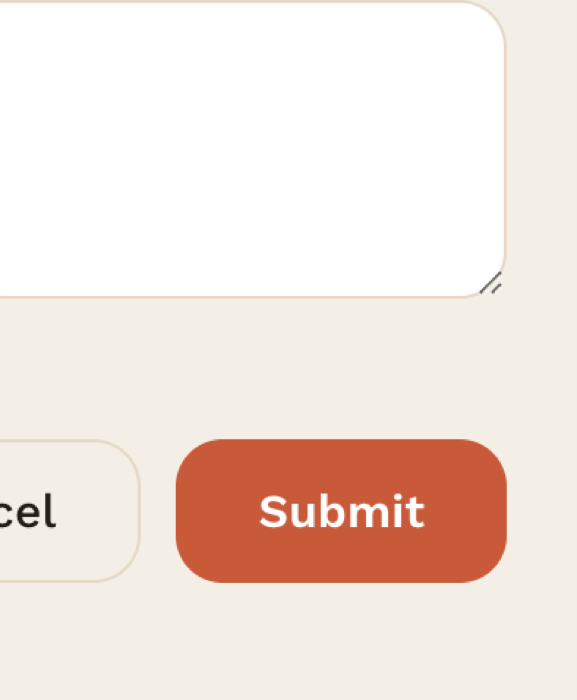
After — /style + Apply - Set the fonts.Click Typography, pick Playfair Display for headings and Merriweather for body, then Apply This Typography.
- Set currency & region.Click Locale and set currency to GBP (£) with UK date format. Every price reformats instantly.
- Add the opening-hours banner.Click Add Widget, describe an opening-hours banner (Mon–Thu 12:00–22:00, Fri–Sat 12:00–23:00, Sun closed), generate it, and place it above the menu.
- Publish or export.Open My Apps and click Publish for a shareable link with a QR code, or Download standalone source code as a zip to take the React project with you.
The finished app
More recipes
Recipe D · Web app
Maison Aurele — a Paris atelier online
Sixteen photographed pieces in ink and champagne, priced in euros.
See how it was built ↗
Recipe E · Web app
Vela Studio — a studio that takes bookings
Twelve classes, five instructors and a booking flow in eucalyptus and coral.
See how it was built ↗
Recipe F · Web app
Meridian Journal — a magazine that reads
Twelve photographed essays from twelve countries, ink on paper.
See how it was built ↗
Recipe G · Web app
Kite Property — a Copenhagen estate agency
Twelve photographed homes priced in kroner, with a type filter.
See how it was built ↗